Your clients don't want data. They want clarity.
Before This Training
- Copying data into messy Excel reports
- Spending hours building weekly reports
- Guessing what the numbers mean
- Sharing screenshots in WhatsApp
After This Training
- Live dashboards that update automatically
- Clients get reports without you lifting a finger
- Visualisations that tell the story instantly
- Shareable, interactive report links
What Is Google Data Studio?
Google's free data visualisation tool — connected to GA4, GSC, Sheets, Meta Ads, and 800+ data sources.
Build interactive reports
Not static PDFs that go out of date immediately.
Connect live marketing data
No manual updates ever. Save hours of manual reporting every week.
Share with clients & teams
View-only, beautifully branded, and completely professional.
Used by digital marketers, SEO specialists, and agencies worldwide — and now you'll master it in 3 focused days.
Who Is This Training For?
Digital Marketers
Stop sending manual reports. Share live, interactive dashboards with clients.
Freelance Marketers
Provide premium reporting as a separate high-value service to increase retainers.
SEO & PPC Specialists
Consolidate GSC, GA4, and multi-channel ad spend in one cohesive interface.
Marketing Analysts
Build advanced data models, calculated metrics, and clean cross-channel reports.
The 3-Day Training Breakdown
Make each day feel like a complete chapter.
Foundations & Data Connections
"From zero to your first live dashboard"
- ✓ Introduction to Google Data Studio interface
- ✓ Connecting data sources: Google Sheets, GA4, GSC
- ✓ Understanding dimensions vs. metrics
- ✓ Building your first report from scratch
- ✓ Practical task: Build a basic marketing traffic dashboard
Advanced Visualisations & Design
"Make it look like it was built by an agency pro"
- ✓ Custom date range controls and filters
- ✓ Calculated fields and custom metrics
- ✓ Blending multiple marketing data sources in one report
- ✓ Branding your dashboard: fonts, colours, logos
- ✓ Practical task: Build a multi-channel marketing dashboard
Strategic Reporting & Delivery
"Build reports that show high-value marketing ROI"
- ✓ What marketing stakeholders actually want to see (and what to hide)
- ✓ Building a monthly SEO performance report
- ✓ Building a Google Ads / Meta Ads performance dashboard
- ✓ Sharing options: view access, scheduled email delivery
- ✓ Final task: Complete a real-world client-ready marketing dashboard
What You'll Walk Away With
- ✅ A live SEO performance dashboard (GSC + GA4)
- ✅ A multi-channel marketing dashboard
- ✅ A stakeholder-ready monthly report template
- ✅ A reusable dashboard framework for future campaigns
- ✅ Knowledge of 5+ marketing data connections
- ✅ Confidence to offer advanced reporting as a standalone service
Investment & Details
3-Day Intensive
- ✓ 3 Days, Live Sessions
- ✓ Zoom / Google Meet / MS Teams
- ✓ Hands-on builds every session
- ✓ All templates and resources included
- ✓ Small batch for quality
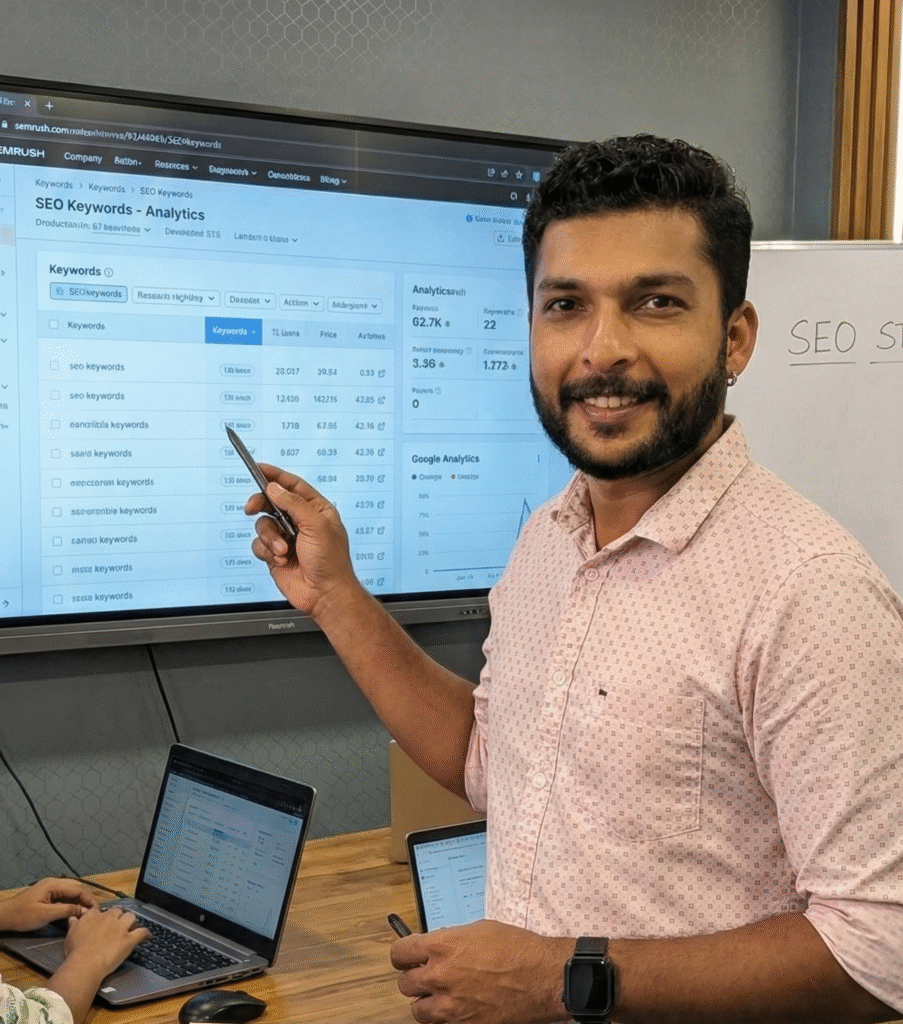
Why Sanoop?
I don't just teach data reporting; I use it daily to manage e-commerce and lead-gen campaigns in Qatar and UAE. Kerala's only trainer combining SEO + marketing data reporting in one profile.
- 📜 Coursera Certified in Google Data Studio — twice
- 🌍 Real client reporting experience (MyQart, usedcamera.ae)
- 📊 Uses Data Studio actively in marketing work
- 🎓 Trained 1000+ students since 2023
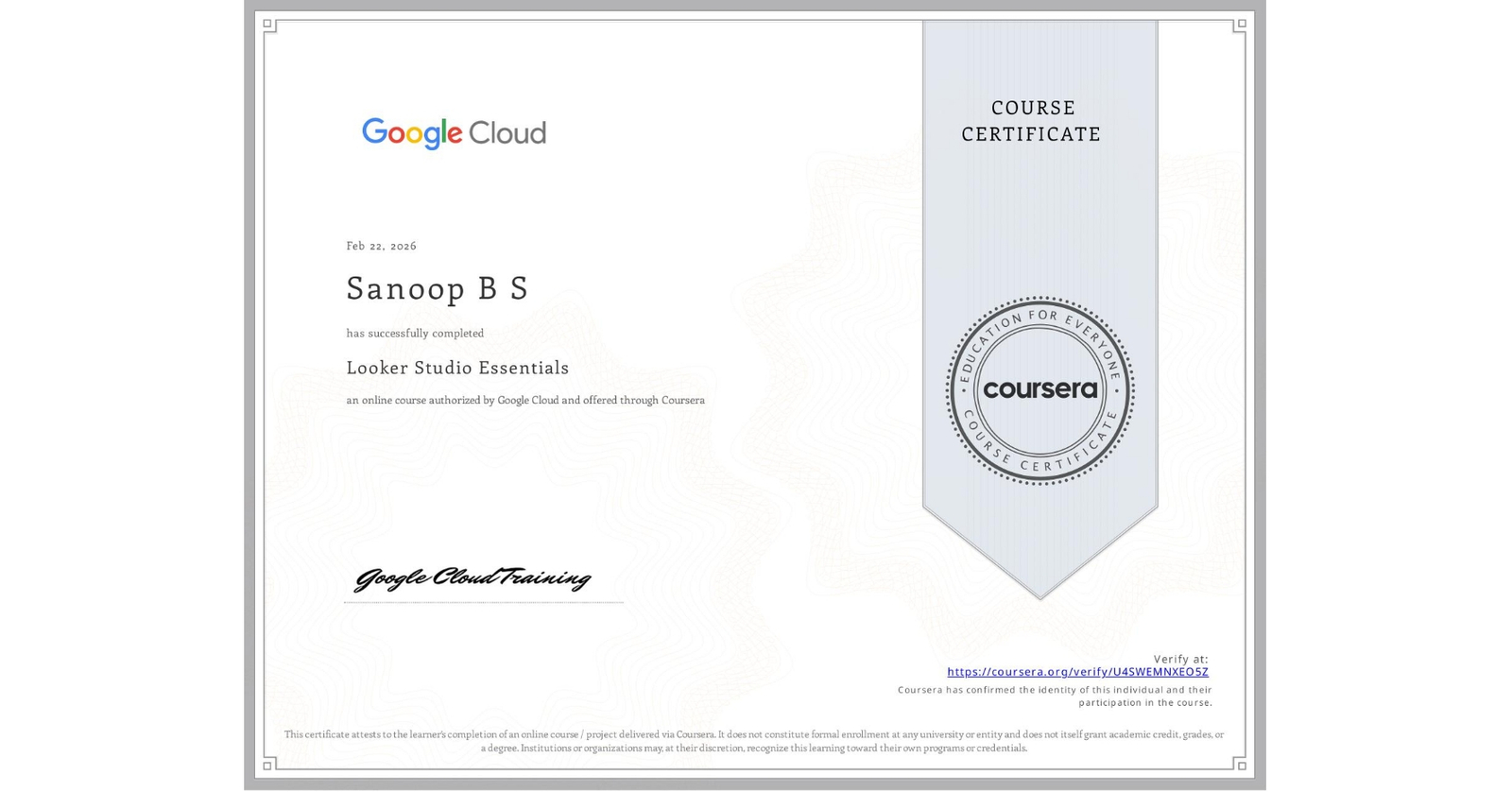
Certified in Google Data Studio
Here's the kind of report you'll build by Day 3
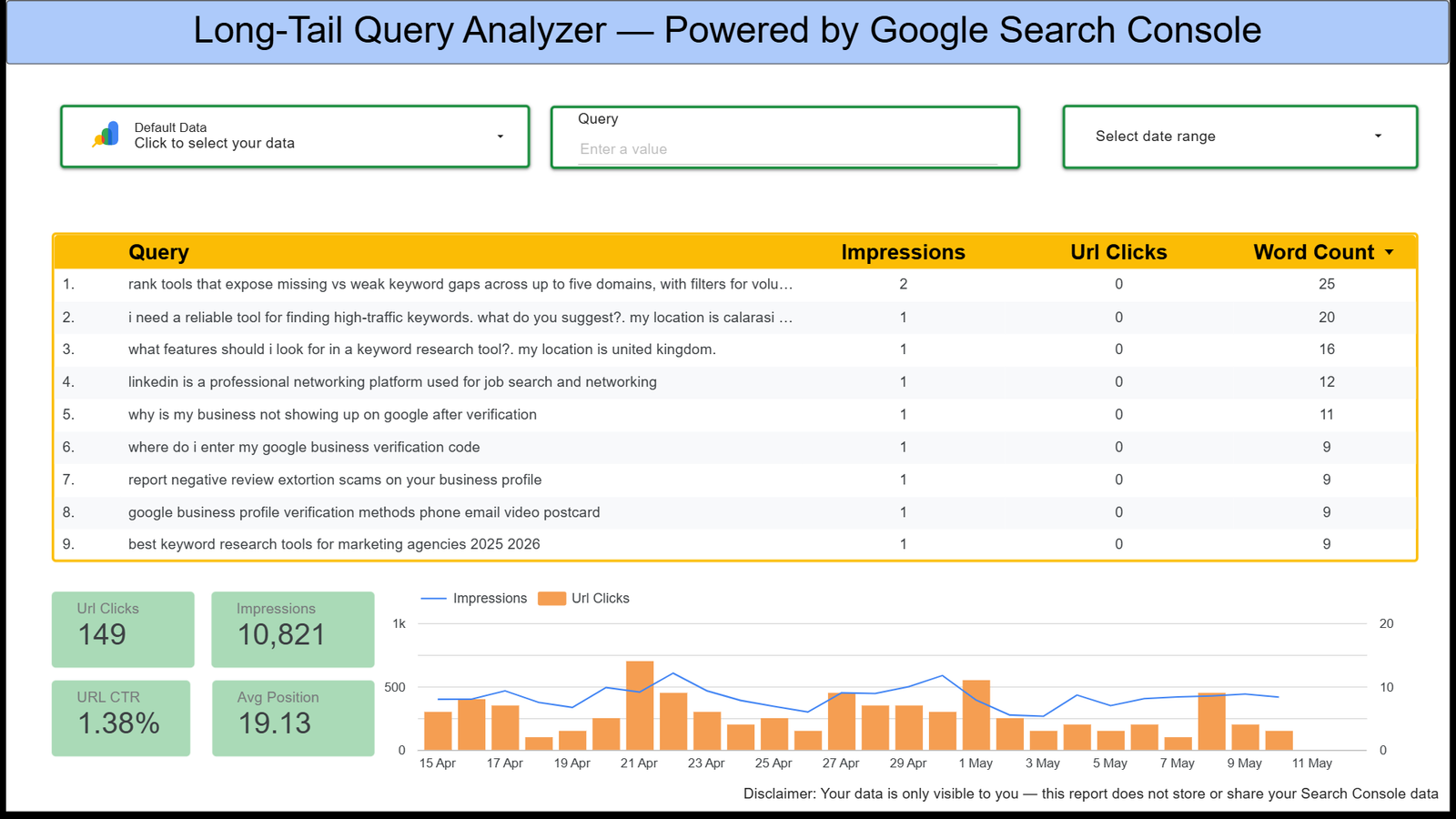
Built using real marketing data during training (Sample Preview)
Frequently Asked Questions
Do I need any coding knowledge?
No, Google Data Studio is a no-code tool. Basic understanding of data is helpful but not required.
Will this work for my agency clients?
Yes, the templates and frameworks taught are perfect for agency and freelance client reporting.
Is Google Data Studio free to use?
Yes, Google provides Data Studio as a free tool.
Are sessions recorded?
Yes, all live sessions are recorded and made available to students.
Get in Touch
I respond to every enquiry personally. You can expect a reply within 24 hours on working days. For faster response, WhatsApp is the best way to reach me.
I want to answer every single email as fast as I can.
Please remember that in most cases my responses will not be immediate. I do my best to respond within 24 hours. Based in Kozhikode, Kerala — working globally.