
Your Search Console data loads directly in your browser. This report never stores, shares, or retains your data.
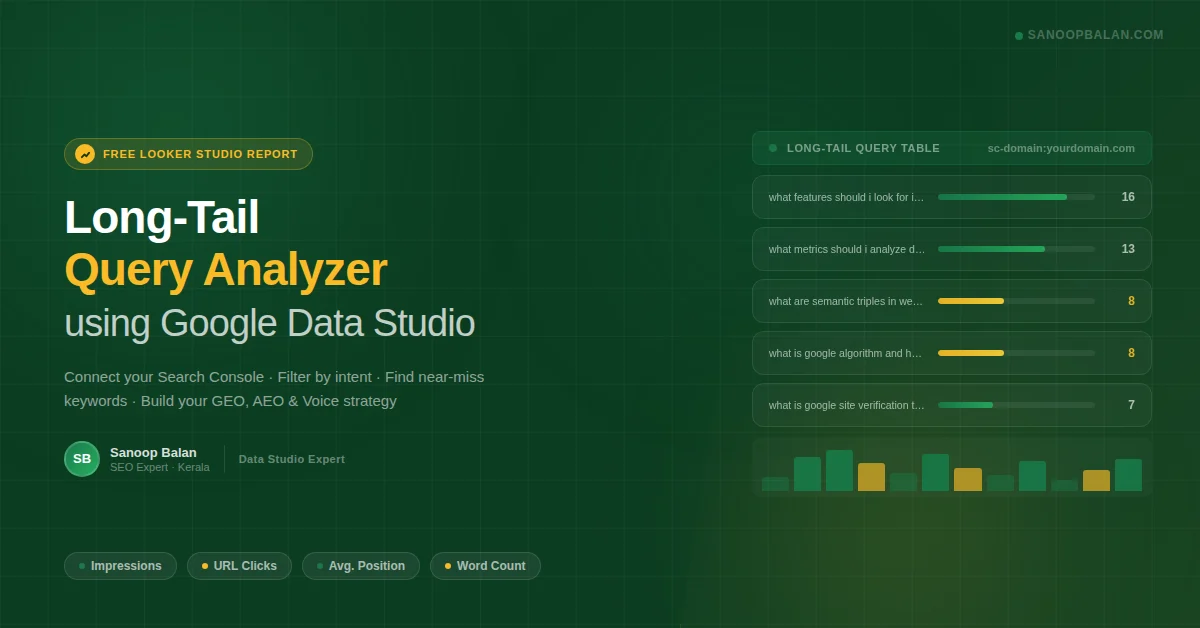
The Long-Tail Query Analyzer is a free Looker Studio (Data Studio) report that connects to your Google Search Console and turns raw impression data into a prioritized SEO action plan. This guide walks you through every feature — including how to decode CTR, use the word count filter, and align your findings with GEO, AEO, and voice search ranking signals.
How to Connect Your Google Search Console Data
Setup takes under two minutes. No technical skills required — just GSC access.
Click the data source dropdown at the top left of the report. Select Add data → Google Search Console and authorize access with your Google account.
Pick your specific domain (e.g., sc-domain:yourdomain.com) or URL prefix from the list. Each property shows its own dataset.
Use the date picker (top right). Pro tip: Use 90 days for a more reliable dataset. A 7-day window can produce noisy impression counts, especially for low-volume long-tail queries.
Queries are sorted by Word Count by default. Longer queries signal more specific user intent — and less competition. Start your analysis at the top of the list.
How to Filter by Search Intent and Uncover Long-Tail Keyword Opportunities
The report's query filter is where the real SEO intelligence lives. By typing a single word into the filter box, you can instantly segment your entire keyword universe by intent type — a technique used by every experienced SEO professional to find untapped content opportunities.
Blog posts, FAQs, how-to guides, and featured snippet targets. High value for AI Overviews and voice answers.
Landing pages, comparison guides, and buying guides. Signals users who are close to a decision.
Clear the filter and type a new intent keyword to switch between strategy modes instantly.
Using the Word Count Filter to Find Voice Search and AI Overview Targets
The custom Query Word Count metric is one of the most powerful tools in this report for SEO professionals targeting modern search formats — including voice queries, conversational AI results, and generative engine responses (GEO). Queries with 8 or more words are almost always conversational, low-competition, and perfectly structured for direct-answer features.
Lower competition, higher purchase or learning intent. Use the slider to filter to this range and identify cluster topics for pillar pages.
These are conversational queries. Answer them in a single direct paragraph at the top of the relevant page. Prime candidates for AI Overviews, featured snippets, and voice assistant results.
How to use the Word Count slider
Drag the slider on the dashboard to your minimum word count threshold. The table updates instantly — only showing queries that meet your exact length criteria. To make a permanent view (for example, always showing 10+ word queries), apply a permanent filter via Setup → Filters → Include "Query Word Count" ≥ 10.
Decoding CTR and Average Position: What the Data Is Really Telling You
High impressions with zero clicks is one of the most misdiagnosed problems in SEO. Before drawing conclusions, you need to read CTR in the context of your Average Position. Here is the benchmark framework that professional SEOs use:
| Avg. Position | Typical CTR | Diagnosis | Priority |
|---|---|---|---|
| 1 – 3 | 15 – 35% | Ranking well. Optimize title tag and meta description to increase CTR further. | Optimize |
| 4 – 10 | 3 – 15% | Good ranking. Minor content improvements can push you into the top 3. | Improve |
| 11 – 20 | 0.5 – 3% | Near-miss zone. Best ROI in your entire keyword set — small effort, significant ranking jump. | High Priority |
| 21 – 50+ | ~0% | Deep pages. Impressions here are topical relevance signals, not a CTR problem. | Long-term |
Where to focus immediately: Filter for queries with Avg. Position between 11–20 and more than 5 impressions. These are your near-miss keywords — a focused content update is often enough to move them onto page one and start generating real clicks.
How to Turn Your GSC Data into an SEO Action Plan (GEO, AEO, and Voice)
Exporting your data is the first move. Use the three-dot menu on any table widget to Export to Google Sheets, then build your prioritization list from the segments below.
Your lowest-hanging fruit. Update the existing ranking page: add the exact query phrase into an H2 heading, expand the content with a direct answer paragraph, add FAQ schema, and strengthen internal linking pointing to that page. Pages in this zone frequently appear in AI-generated overviews once they clear the page-one threshold.
The current page is too thin or too off-topic to rank for this query. Create a new, dedicated page targeting the exact query. Include the phrase in your H1 and first paragraph, use FAQ schema, add clear headers for each sub-question, and build internal links from relevant existing content to pass authority.
Conversational queries are how users interact with voice assistants and AI-powered search. Answer the full query directly in a single, concise paragraph at the top of the relevant page — before any other content. Keep the answer under 50 words. This structure is what generative engines extract for spoken and AI Overview results.
Filter for your target location terms (e.g., "Kerala", "India", "UAE"). These are GEO-intent signals — create or update location-specific landing pages with localized content, add LocalBusiness or Service schema, and ensure your Google Business Profile is fully optimized and linked from that page.
Structured Data to Implement After Using This Report
Once you have identified your target queries, the next step is making them machine-readable. Structured data (schema markup) is the primary technical signal that helps Google, Bing, and AI engines understand your content well enough to cite it in featured snippets, AI Overviews, and voice responses.
FAQPage schema — the highest-impact markup for long-tail queries
For every question-based query (what, how, why) you are targeting, add FAQPage schema to the relevant page. This is the single most effective AEO and voice ranking tactic for informational content.
{
  "@context": "https://schema.org",
  "@type": "FAQPage",
  "mainEntity": [
    {
      "@type": "Question",
      "name": "What metrics should I analyze during keyword research?",
      "acceptedAnswer": {
        "@type": "Answer",
        "text": "Focus on search volume, keyword difficulty, click-through rate, average position, and word count. Long-tail queries with 5+ words typically have lower competition and higher conversion intent, making them the best starting point for SEO growth."
      }
    }
  ]
}
Use the Long-Tail Query Analyzer to pull your exact question queries from GSC, then map each one to an FAQ entry on the relevant page. This creates a direct pipeline from your real search data to your structured markup — a workflow that most SEO professionals skip entirely.
- Connect GSC → set 90-day date range → sort by Word Count descending
- Filter by intent keyword (what / how / best / vs) to segment your dataset
- Use the Word Count slider (≥10) to isolate voice and AI Overview candidates
- Identify near-miss keywords (Position 11–20) as your immediate priority
- Create or update pages with direct-answer paragraphs and FAQ schema for AEO
- Add location-specific pages for GEO intent queries with LocalBusiness schema
- Export to Google Sheets → build a priority matrix → execute systematically
SEO Expert in Kerala · Digital Marketing Trainer · Looker Studio & Data Studio Specialist · Corporate Trainer at Brain Cyber Solutions · Mentor at Entri App